Alkeme — A Terminal UI for the Arkime Ecosystem
Alkeme is a fast, keyboard-driven terminal user interface (TUI) for Arkime, built with Rust and ratatui. It brings the full power of the Arkime ecosystem — Viewer, Cont3xt, WISE, and Parliament — right into your terminal, no browser required.
Alkeme was entirely built by Claude — code, architecture, documentation, and even this wiki page. The only exception is the screenshots, because sadly no one has given Claude eyes yet.
Why Alkeme?
- One tool, all of Arkime — Alkeme auto-detects the Arkime application at your URL and launches the right interface. Browse sessions in Viewer, search indicators in Cont3xt, monitor clusters in Parliament, or query WISE — all from the same binary.
- Blazing fast — Built in Rust with zero runtime overhead. Instant startup, smooth scrolling, and streaming search results that appear as integrations respond.
- Fully keyboard-driven — Navigate sessions, drill into packet hex dumps, manage columns, and build search expressions without ever touching a mouse. Context-sensitive help (
h/?) shows every keybinding. - Rich visualizations — Cubism-style horizon charts for capture metrics, session histograms, color-coded shard grids, and bar charts — all rendered beautifully in braille and block characters.
- Flexible authentication — Supports no-auth, HTTP Basic, HTTP Digest, form-based, web (HTML form parsing with SSO redirects), and Okta SSO (Identity Engine + classic with MFA push/TOTP). Persistent encrypted cookie jars let you skip re-login between runs.
Features at a Glance
Viewer
- Session browsing with configurable columns, sort order, and saved layouts
- Server-side views for saved search expressions
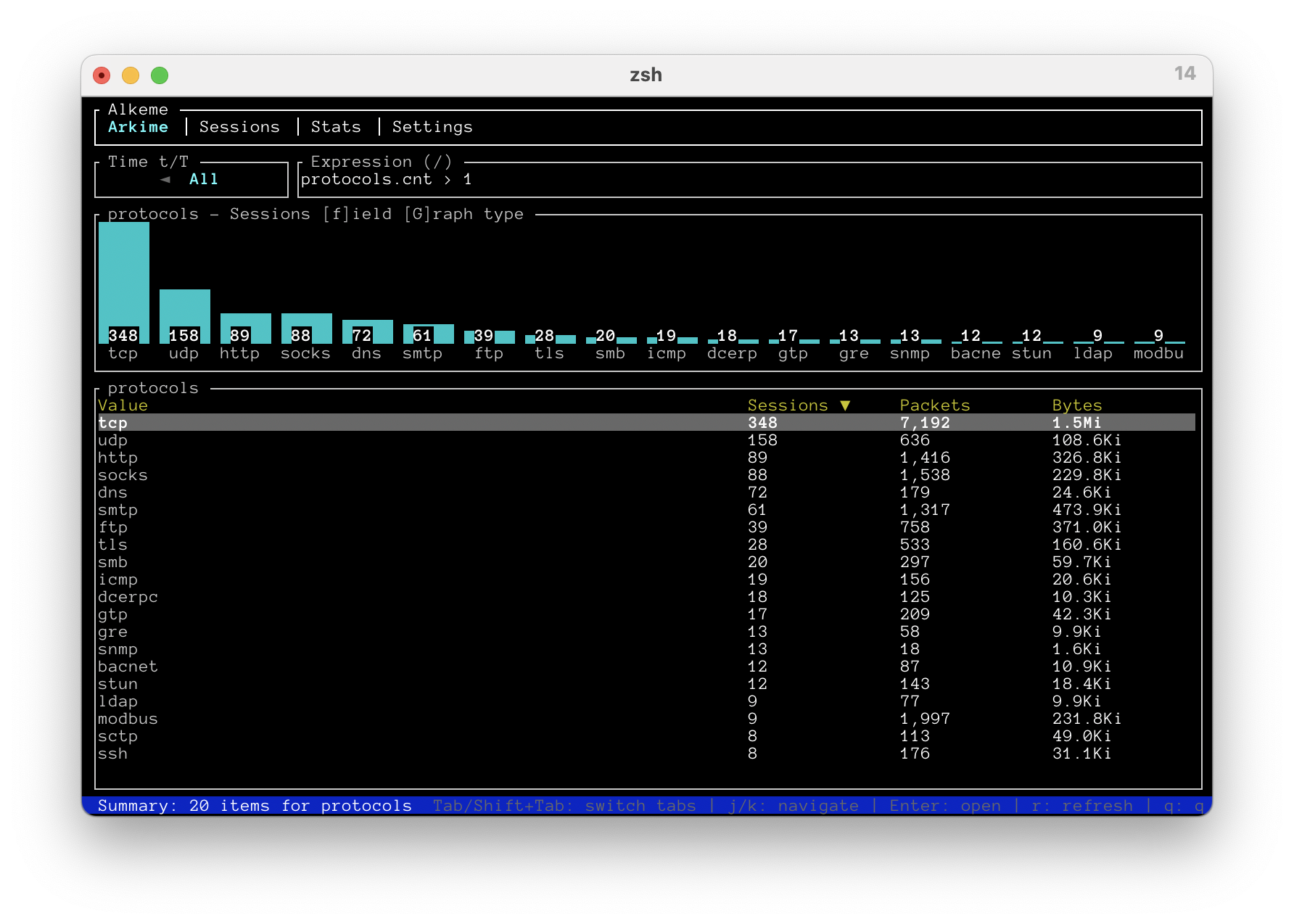
- Summary tab with bar charts for top field values
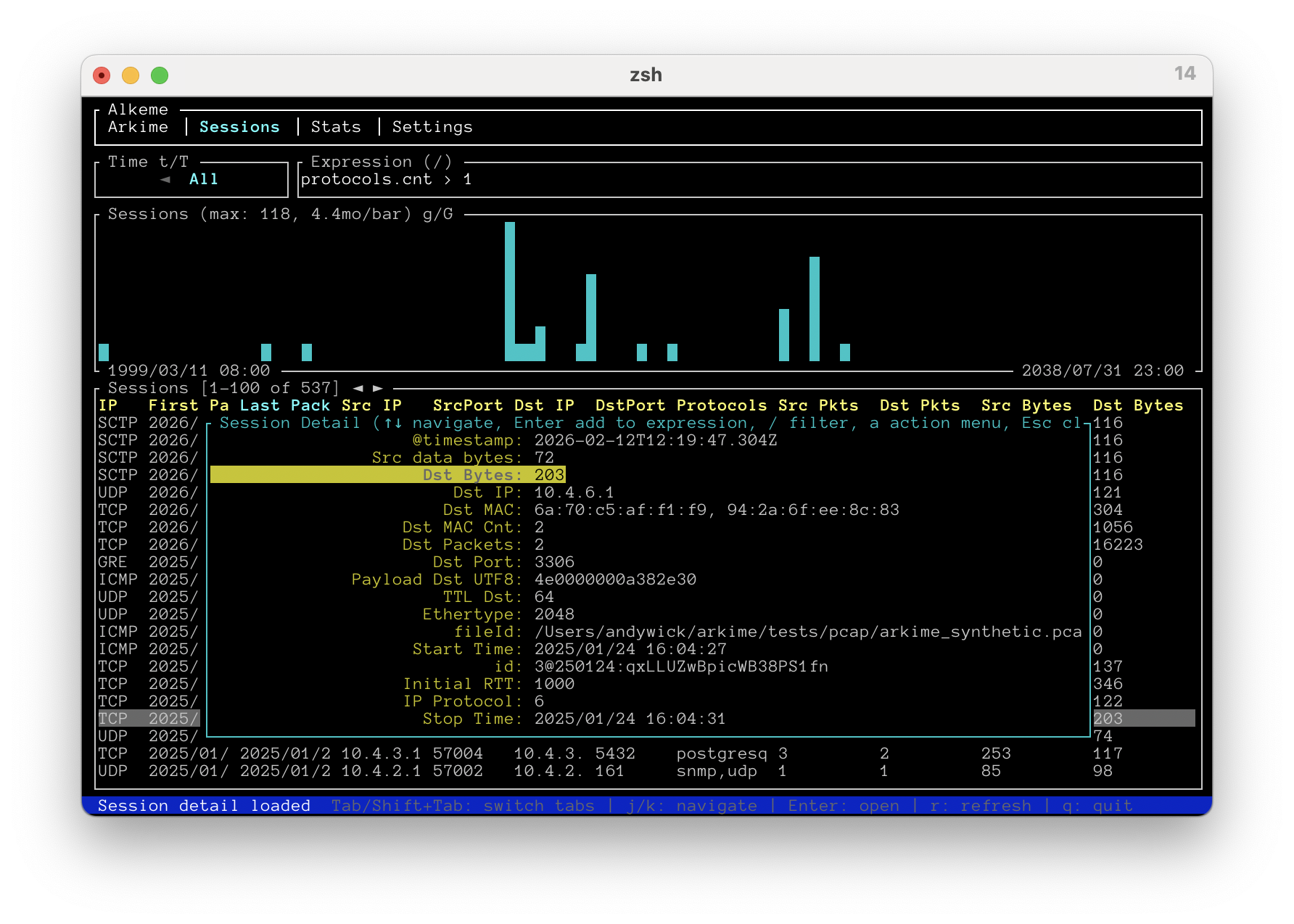
- Session detail with field filtering and expression builder (AND/AND NOT/OR/OR NOT)
- Packet hex dump viewer with color-coded source/destination, TCP flags, and timestamps
- PCAP download, CSV export, and bulk tag operations
- Stats tab with 7 sub-tabs: Capture Graphs, Capture Stats, DB Nodes, DB Indices, DB Tasks, DB Shards, DB Recovery
- User management — create, edit, delete users and manage roles
- Files tab — browse and inspect PCAP files
Cont3xt
- Search IPs, domains, emails, and hashes across all configured integrations
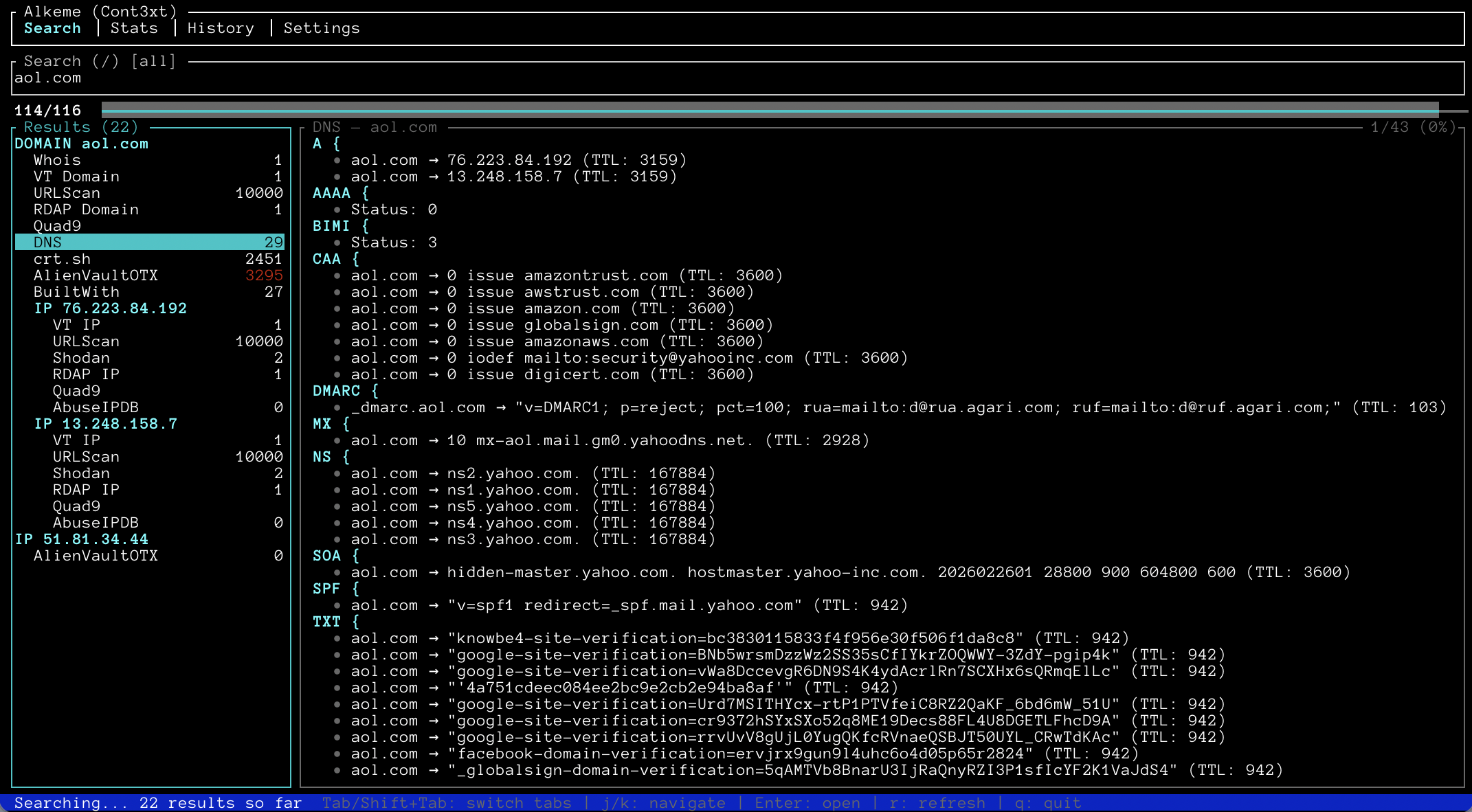
- Streaming results with progress gauge and tree-based indicator hierarchy
- Card-based rendering using server-defined templates (tables, URLs, dates, DNS records, JSON)
- Overview panels, integration filtering, saved views, link groups
- Search history with sort/filter and re-run; JSON export and import
Parliament
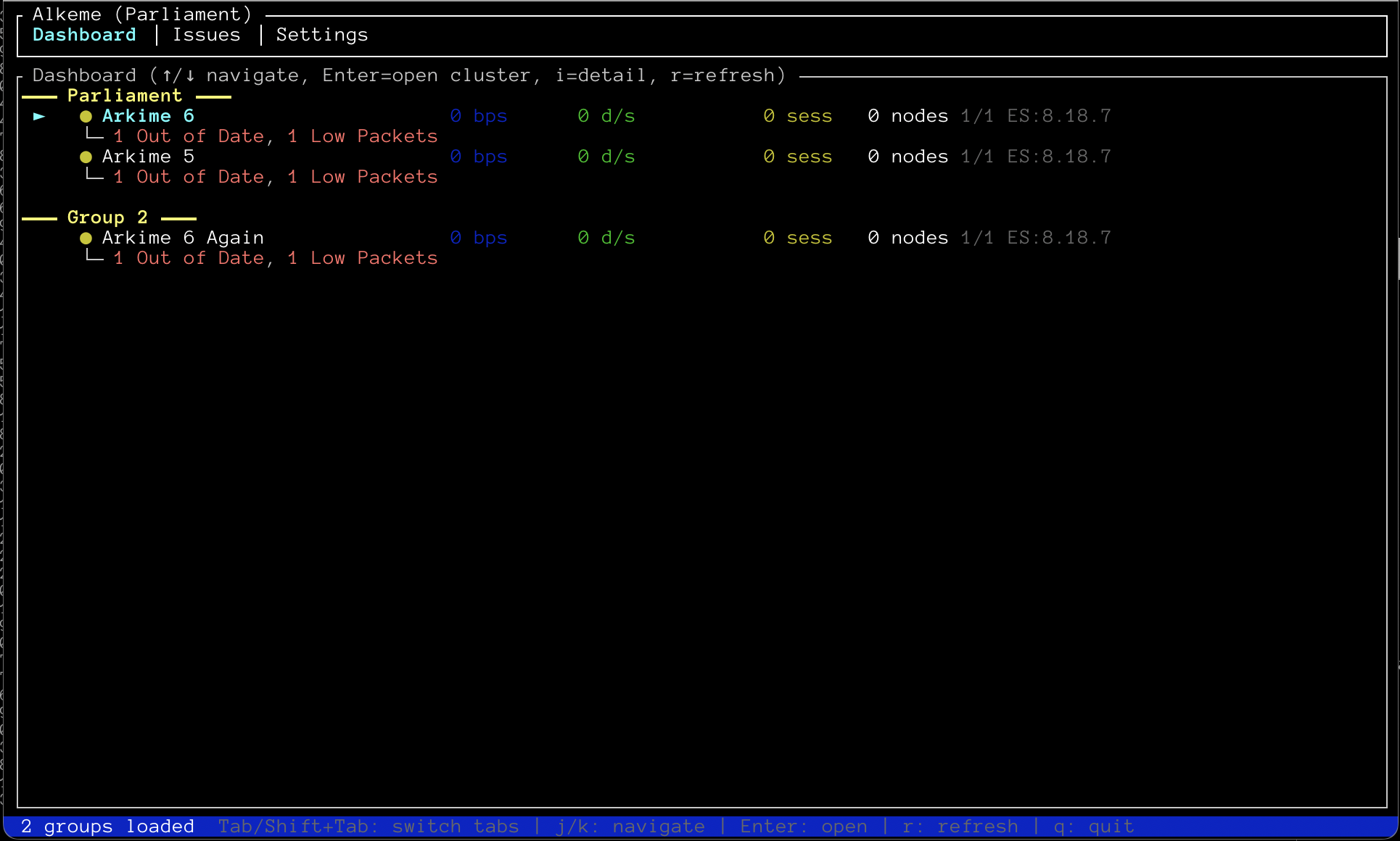
- Cluster dashboard with health status, throughput, and inline issues
- Issues tab with sortable, filterable issue tracking
- Jump into Viewer, Cont3xt, or WISE for any cluster with a single keypress
WISE
- Source and type statistics with auto-refresh
- Interactive query by type across sources
Screenshots
Sessions Tab — Browse and search network sessions with sortable columns, time ranges, and histograms.
Arkime Summary Tab — Select any field to see top values with a bar chart and sortable table.
Cont3xt Search — Search indicators across integrations with streaming results and card-based rendering.
Parliament Dashboard — Monitor all your Arkime clusters at a glance with health status and issue tracking.
Get Started
# Install from source
git clone https://github.com/arkime/alkeme.git
cd alkeme && cargo build --release

# Connect to your Arkime instance
./target/release/alkeme http://your-viewer:8005

# With authentication
./target/release/alkeme http://your-viewer:8005 --auth digest --user admin:password

# With Okta SSO and persistent cookies
./target/release/alkeme http://your-viewer:8005 --auth okta --jar cookies.json
Pre-built binaries for Linux and macOS are available on the Releases page.
For full documentation, CLI options, keybindings, and screenshots, visit the Alkeme GitHub repository.
